
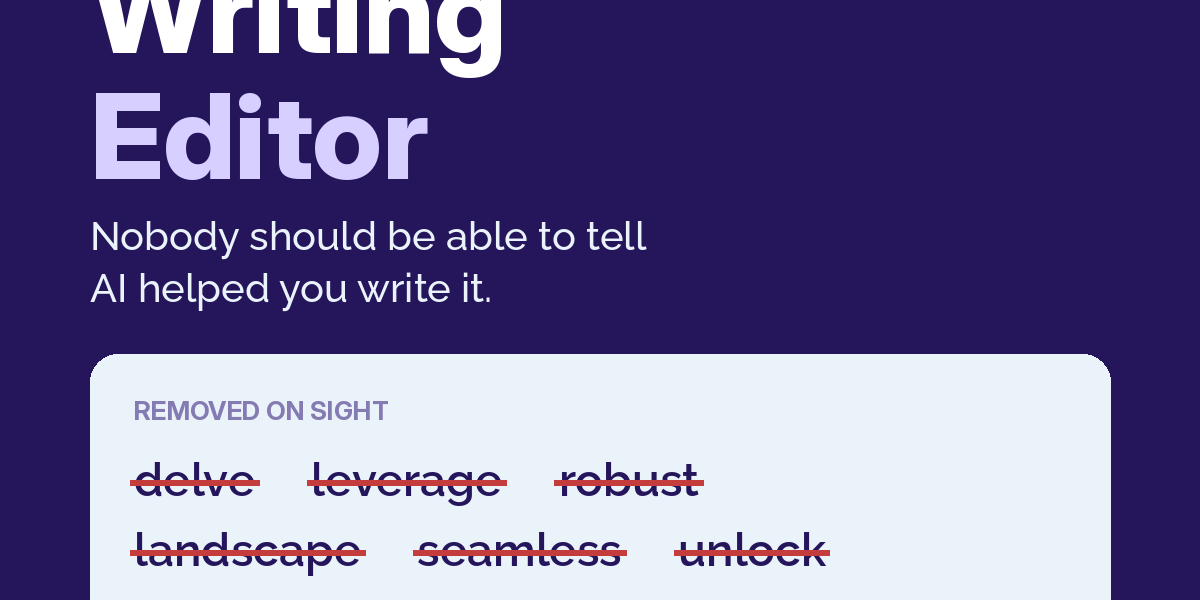
What it does: Removes the patterns that make text read as AI-generated. It knows the banned vocabulary (delve, leverage, robust, landscape, and about forty more), the structural tells (uniform sentence rhythm, three-item lists on repeat, “it’s not just X, it’s Y”), and the formula endings. It fixes style without touching facts.
Setup: None. Works immediately after install.
You must provide: the text itself, pasted in full. For new writing: the topic, who it is for, and roughly how long. That is all this skill needs.
How to prompt:
- Make this sound human: [paste text]
- Edit this so it sounds like a person wrote it, keep every fact: [paste]
- Show me every AI pattern in this text before fixing it: [paste]
- Write a 500-word article about [topic] and run your own AI-pattern check on it
What you’ll get back: The rewritten text, followed by a short “What I changed” list naming each pattern it removed. Ask for the pattern report first if you want to learn the tells yourself.
For best results, provide:
- The full text, not an excerpt. Rhythm problems only show across whole paragraphs.
- The destination: “this is a cold email” or “this is a legal summary.” Human doesn’t mean casual; the skill matches the register.
- Anything that must not change: names, numbers, legal phrasing, quotes.
Two runs, two different rewrites? Correct behavior. The banned-word removal is identical every time; the sentence construction varies. It enforces rules, not a template.
Weak result? Usually because: the source text made no concrete claims. This skill fixes how text sounds, not what it says. Empty text sounds human after editing and is still empty. For that, use the Direct-Response Copywriter first.
